Start with the thing you have to handle: a meeting, too many messages, a draft, a decision, a bigger AI ask, a recurring task, or work context you should clean first.
Start herePick a moment. Use the prompt.
What this library is for
Four shelves, one job each.
The shelves are not courses. They are places to grab the next useful work artifact.
Each section below starts with the work situation, then points to the reusable asset. You should not have to understand AI vocabulary before finding something useful. If the task will happen again, save the setup instead of starting from zero next time.
Messy inputCleaner artifactNext move
Choose your moment
Start where the work hurts.
No AI jargon required. Pick the situation you recognize.
The public page helps you choose. Subscriber access shows the reusable prompts and templates so you can use them at work without rebuilding them from scratch.
Get the subscriber version
Enter your email to view the reusable prompt cards on this page. If you are already on the list, use the same email to restore access in this browser.
Access ready
Subscriber version is visible.
You are viewing the practical cards as subscriber. Full profiles and saved libraries can come later.
Subscriber prompt card
Meeting Brief Builder
Use when the context is scattered and you need to walk into the room with the point, the likely decision, and one useful question.
Turn this safe meeting context into a one-page brief:
1. Real purpose
2. Likely decision
3. Unnamed risk
4. Three useful questions
5. One sentence I can bring into the room
Subscriber prompt card
Decision Extractor
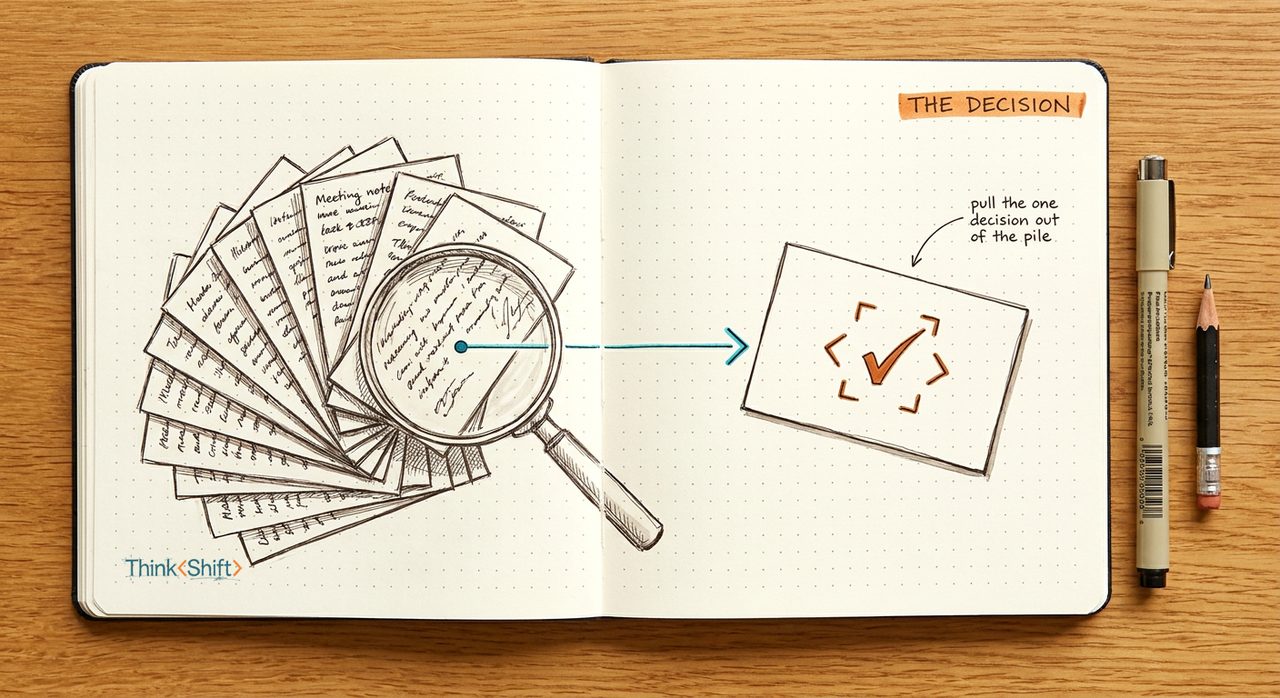
Use when a long thread has plenty of updates but nobody has named the choice that needs to be made.
Read this cleaned thread summary and return:
1. The decision hiding inside it
2. Options on the table
3. Missing information
4. Who needs to weigh in
5. The cleanest next message
Subscriber template
Tiny Automation Request
Use before anyone builds. It turns a vague “we should automate this” into something a teammate can evaluate.
Write a tiny automation request with:
Trigger
Inputs
Output
Human owner
Approval boundary
Failure case
Test case using non-sensitive data
Starter assets
27 starter assets, sorted by work moment.
These are intentionally simple. Each one turns a common work situation into a prompt, template, or checklist you can actually use.
Before, during, and after meetings
Walk into the room with something useful.
Start here
Meeting Brief Builder
Turn scattered context into purpose, decision, risk, and one useful question.
Ask better
Better Question Builder
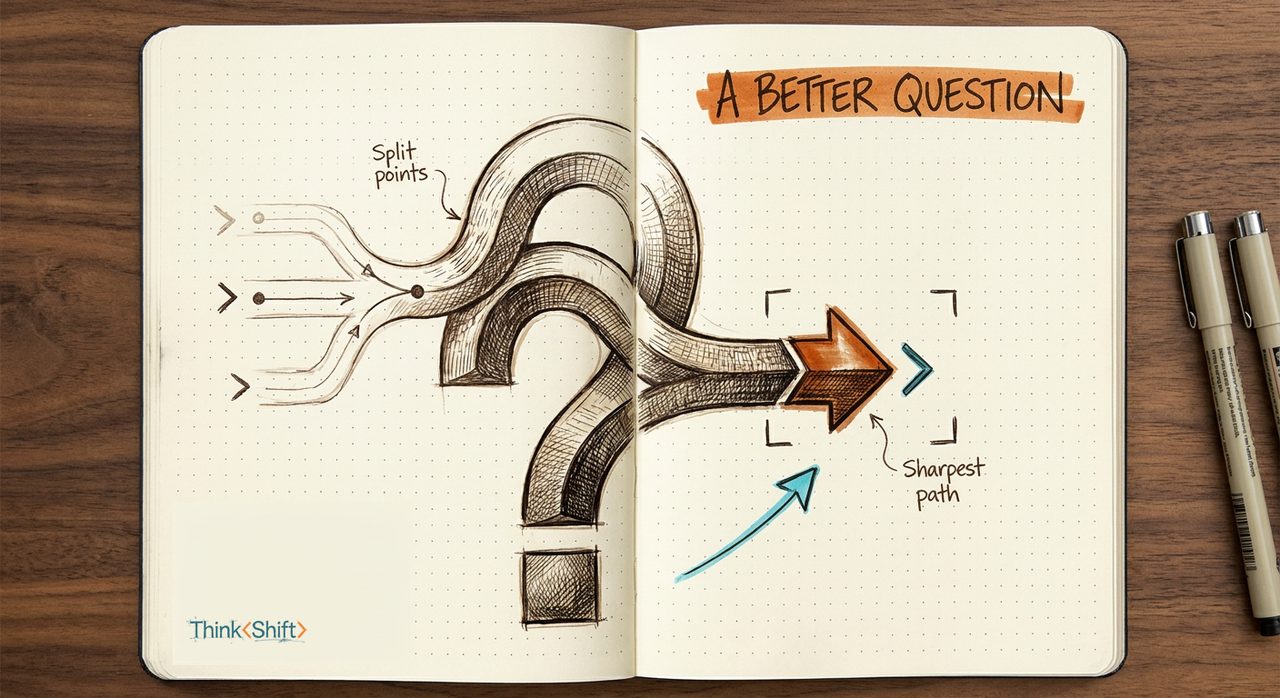
Move from vague concern to a question that helps the room think.
Manager prep
1:1 Prep Builder
Turn loose manager context into one theme, question, and follow-up.
Agenda help
Meeting Agenda Tightener
Turn a loose agenda into decisions, prep, and useful discussion points.
Afterward
Follow-Up Fast Draft
Turn rough notes into a recap while momentum is still warm.
Too many messages, updates, and recaps
Find the point instead of summarizing the noise.
Start here
Decision Extractor
Find the real decision, owner, open question, and next reply.
Update filter
Update Filter
Sort what changed, what matters, what is noise, and what to try.
Briefing
Executive Summary Builder
Turn details into what changed, why it matters, and what to decide.
Context
Context Cleaner
Separate what matters from background noise before a conversation.
Ownership
Owner Next-Step Map
Name who owns what, what is open, and what happens next.
Record
Decision Receipt Builder
Capture what was decided, why, who owns it, and what could change.
Writing, explaining, and client updates
Make the message easier to use.
Plain English
Plain-English Translator
Make complex updates understandable without flattening meaning.
Before sending
Client-Ready Rewrite
Make a draft clearer before it leaves the building.
Status update
Client Update Brief
Frame a project update around status, risk, decision, and next step.
Presentation
One-Slide Storyline
Turn a point into a one-slide narrative a busy room can follow.
Decisions, risks, and tradeoffs
Pressure-test the recommendation before it travels.
Hidden risk
Hidden Risk Finder
Pressure-test a plan and name the concern worth raising.
Tradeoff
Tradeoff Namer
Find the choice hiding under a plan that sounds too easy.
Options
Options Compare Brief
Compare options by upside, downside, risk, and next decision.
Coach
Tradeoff Thinking Coach
Name what each option buys, spends, and puts at risk.
Stakeholders
Stakeholder Concern Mapper
Find likely questions, objections, and missing context before a review.
Processes, tools, and safer AI use
Make repeat work cleaner without making it risky.
Saved setup
Repeat Task Builder
Turn recurring work into context, steps, examples, a review point, and the next improvement.
Automation
Tiny Automation Request Brief
Turn a repeated task into a clear request a builder can evaluate.
Checklist
Checklist Cleaner
Make a messy checklist short enough to use on a busy day.
Handoff
AI Handoff Brief
Give AI the outcome, inputs, boundary, and review step before a bigger ask.
Tool fit
Tool Fit Triage
Check whether a new AI tool fits a real work moment before testing it.
Tool watch
Tool Triage Note
Decide whether a new AI tool deserves a test, a watch, or a pass.
Not sure where to start?
Answer a few questions and start with one asset.
The Workstyle Finder points you to the first prompt or template for your kind of work. You do not need to understand the whole library first.