
The Shift
Did combining the spreadsheets inflate your total?
One account in sales, three tickets in support, and the same revenue counted three times. Ask AI for a merge preview before you trust the total.
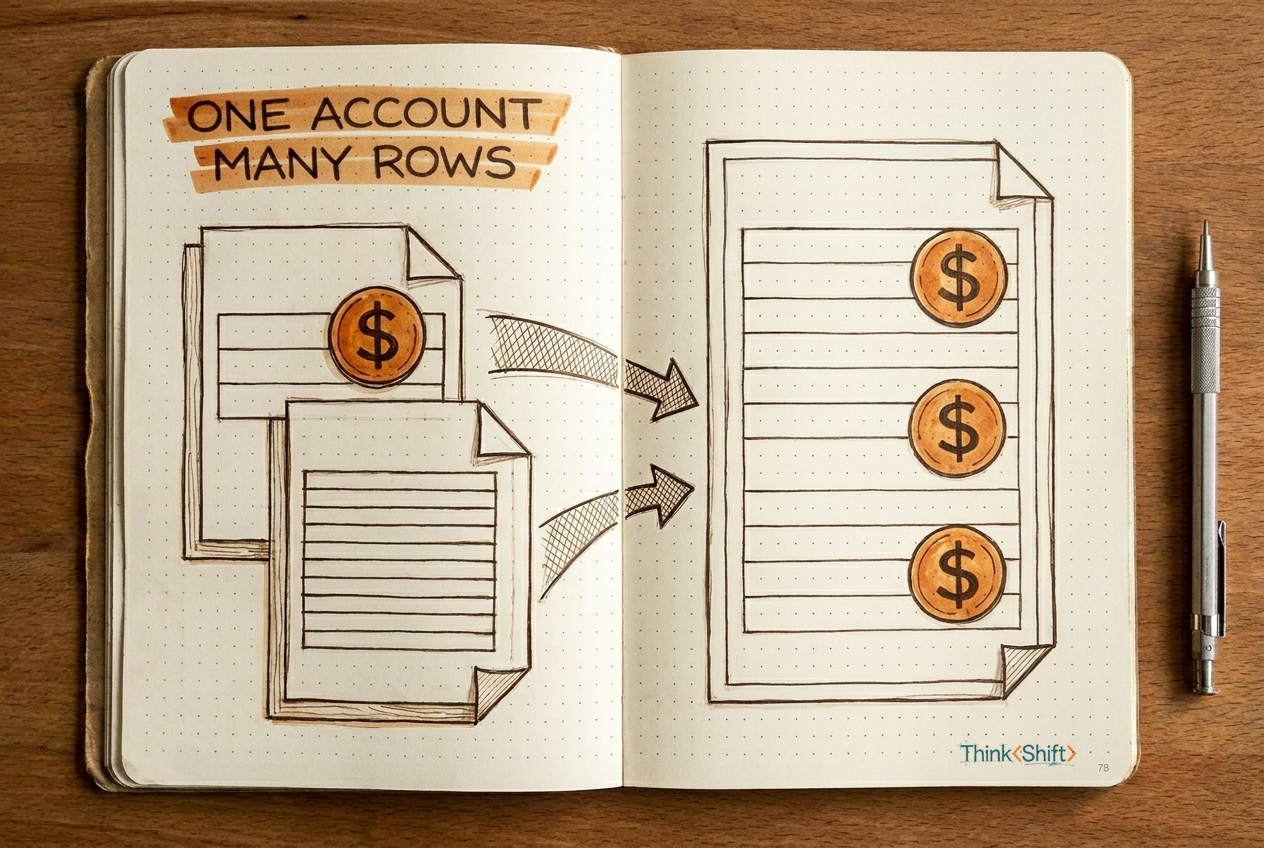
The move Before you trust combined numbers from two files, paste both exports into AI and ask for a merge preview: what each row means, which accounts produce multiple rows, and what happens to the total. Fix the relationship before it hides in the sum.
The short version: When you combine two spreadsheets with different row structures, values can repeat on every matched row. A correct merge and a correct total are two different things. Ask AI to preview what the merge will do to your totals before you use the combined numbers.
You're pulling together the renewal review for next week's call. Sales sent one export: one row per account, annual revenue in column D. Support sent another: one row per ticket, same account names. You match them by account name, and now you have revenue next to ticket history. Clean.
Except the revenue column just tripled.
That account with three support tickets now sits on three rows, each carrying the full $40,000. Your spreadsheet says $120,000. Nothing looks broken, every cell has a value, the formula is correct. But the total at the bottom is fiction.
This happens whenever one file has one row per account and the other has several. The merge keeps the revenue on every matched row, because that's what merging does. It doesn't know you only meant to count the $40,000 once.
Most people scan for duplicates and move on. But these aren't duplicates. Each row is genuinely different: different ticket, different date, different issue. The account is the same, the revenue rides along every time, and the total swells without a single cell looking wrong.
A correct merge and a correct total are two different things.
The move
Before you trust combined numbers from two files, ask AI to preview what the merge would do. Paste both exports, or a small sample:
I have two files to combine.

File 1: [paste or describe, e.g., one row per account with annual revenue]
File 2: [paste or describe, e.g., one row per support ticket]

Before merging, show me:
1. What one row represents in each file.
2. The proposed matching key.
3. Which accounts appear more than once in either file, and how many
   rows the merge would create for each. If I pasted a sample, flag
   that the full file may contain additional rows per account.
4. For every numeric column in either file, the total before the
   merge versus what it would become after. Flag any column where
   the total changes.
5. Any records in either file with no match in the other.

If the meaning of a row, the matching key, or the identity of an
account is unclear, ask before continuing.

Do not merge yet. Just show the preview. When I ask you to proceed, confirm how I want to handle each column where the total changed before merging.
Filled in, it looks like this:
I have two files to combine.

File 1: Annual account revenue (one row per account). Columns:
Account Name, Annual Revenue, Region.
File 2: Q3 support tickets (one row per ticket). Columns:
Account Name, Ticket ID, Date, Issue Type.

Before merging, show me:
1. What one row represents in each file.
2. The proposed matching key.
3. Which accounts appear more than once in either file, and how many
   rows the merge would create for each. If I pasted a sample, flag
   that the full file may contain additional rows per account.
4. For every numeric column in either file, the total before the
   merge versus what it would become after. Flag any column where
   the total changes.
5. Any records in either file with no match in the other.

If the meaning of a row, the matching key, or the identity of an
account is unclear, ask before continuing.

Do not merge yet. Just show the preview. When I ask you to proceed, confirm how I want to handle each column where the total changed before merging.
The preview
Row meaning:
File 1: one row = one account. Revenue appears once per account.
File 2: one row = one support ticket. An account can have many tickets.
Proposed matching key: Account Name (exact match).
Accounts with multiple rows after merge:
Clearwater Design: 1 revenue row × 3 tickets = 3 merged rows
BrightPath Logistics: 1 revenue row × 5 tickets = 5 merged rows
Summit Financial: 1 revenue row × 1 ticket = 1 merged row
Revenue comparison:
File 1 total revenue: $205,000
After merge (revenue repeats per row): $705,000
Inflation: $500,000 from repeated revenue values
Unmatched records: None. All three accounts appear in both files.
That $500,000 gap is the fiction the merge creates. You see it before it reaches the report. Now you choose: sum per account, keep one value, or split by ticket. The preview shows the relationship; the aggregation rule stays yours.
The catch
AI can count keys and flag when one account produces multiple rows. It can't decide what the right total should mean for your renewal conversation. That judgment is still yours.
Try it this week. Before your next combined report, paste five rows from each file and ask for the merge preview. Two minutes now saves the meeting where someone spots the wrong total.