
Safe Paste
The copy-paste rule AI teams should adopt this week
Every paste into AI is a data decision most people make on autopilot. Three questions before the paste, five seconds, and the judgment stays yours.
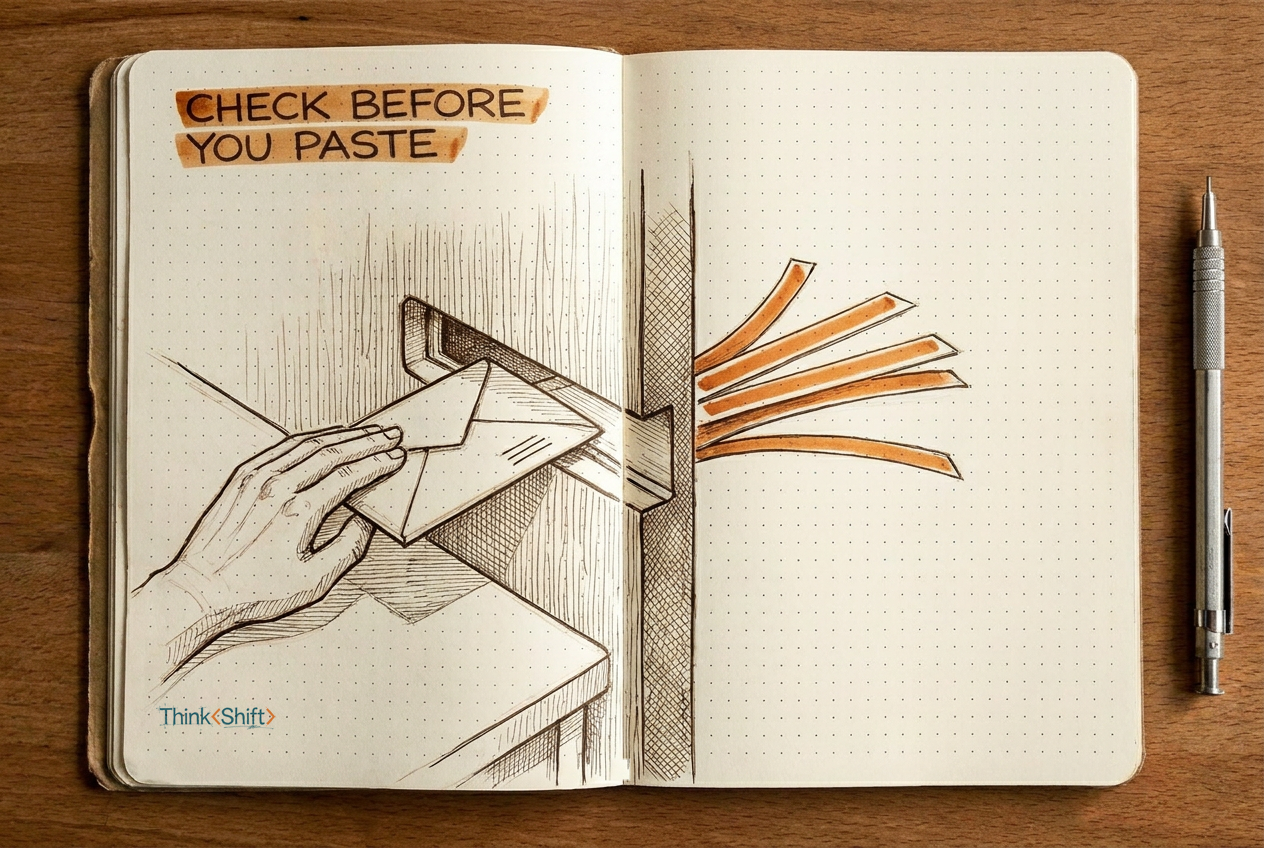
The move Before you paste content into an AI tool, answer three questions: what kind of data is this, can the tool act or only read, and does someone else need to know. Pin them where you'll see them.
The short version: Every paste into AI is a data decision most people make on autopilot. Three questions, five seconds, and the judgment stays yours.
You paste a customer complaint into AI to draft a reply. The email has the customer's name, account number, and the account manager's notes on the renewal. Ten seconds later, a polished draft comes back.
Nobody asked whether that data should have left the building.
Most people worry about what AI gets wrong. The risk that moves faster is what goes in. A text box feels private. It isn't. What goes in may be stored, logged, or visible to other connected apps. And some tools can act: send email, search your files, edit documents. When you paste into those, you're not giving context. You're giving an instruction.
Every paste is a data decision. Most people don't realize they're making one.
Before you paste, answer three questions:
1. What kind of data is this?
Public (published content, general knowledge): go ahead. Internal (strategy docs, unreleased work): check the tool's data-handling terms. Restricted (customer PII, credentials, financials): don't paste unless the tool is approved for that class.
2. Can this tool act, or only read?
A standalone chat can't reach anything else on its own. A tool connected to email, files, or other services can. Know what it can reach.
3. Does someone else need to know?
If you'd cc your manager before emailing this content outside the company, get a nod before pasting it.
Why this helps: Three questions, five seconds. You just built the pause where good judgment happens.
How it looks filled in
You need to reply to a customer who complained about a late shipment. The email has the customer's name, order number, and a note from the account manager flagging renewal risk.
1. Data: Restricted. Customer PII plus internal sales context.
2. Tool: Read-only chat, no integrations.
3. Approval: The account manager should know before this goes into an external tool.
Strip the name and order number. Keep the situation ("late shipment, renewal at risk, customer frustrated"). AI doesn't need the names and numbers to draft a useful reply.
The human part: The checklist doesn't decide what's confidential. You do. It makes sure the question gets asked before the data leaves.
Try it this week: Pin these three questions where you'll see them next time you reach for the paste shortcut.