
Workarounds
The people who get the most from AI argue with it
Don't rate the first answer. Direct the second one.
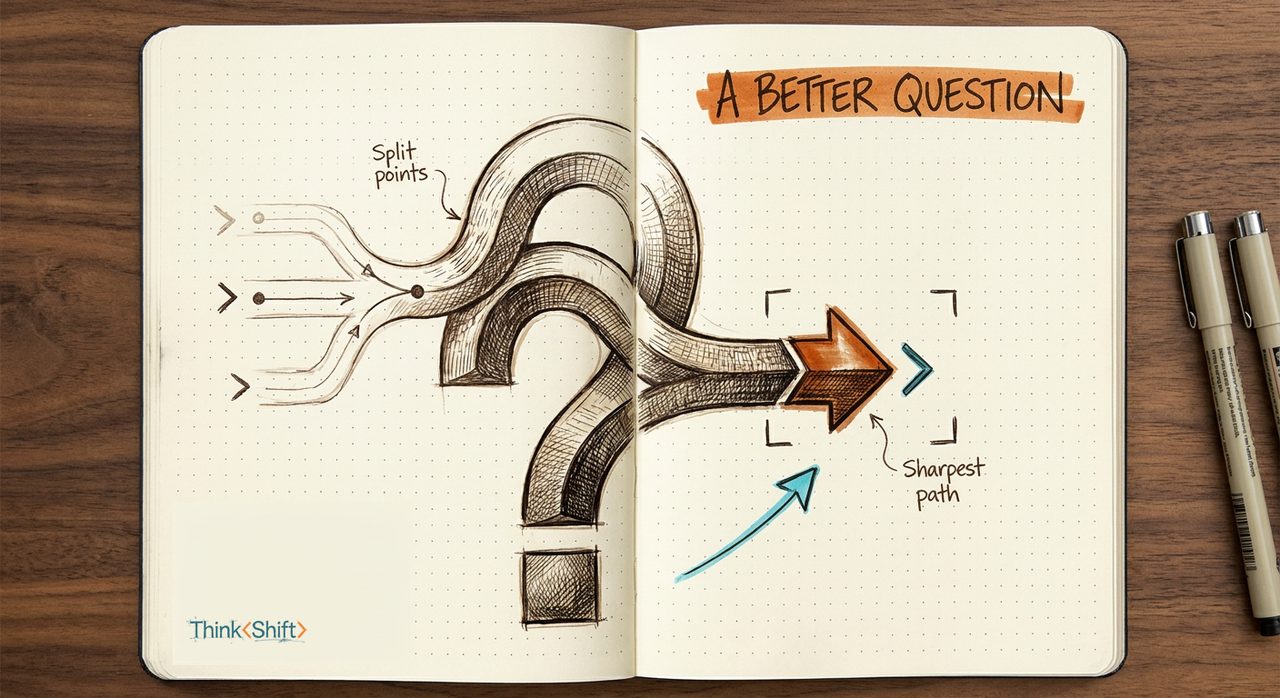
The move Do not rate the first draft. Push back with specifics so AI learns your standard.
The short version: Prompting skill isn't the perfect first ask. It's knowing how to disagree in enough detail that your standard becomes visible. The first pass mostly shows what the tool guessed from a thin brief, so don't rate it, direct the next one. The first draft shows the tool. The third draft shows your standard.
The scene
You asked AI to clean up the tracker before tomorrow's meeting. It came back polished, split into neat tabs, and wrong for how you actually use it.
You're the one staring at it thinking: nope, I want it all in one sheet.
The trap
Most people treat that first output like a verdict. Either AI is great, or AI can't do this.
Both are too early. The first pass mostly tells you what the tool guessed from a thin brief. The useful part starts when you push back hard enough that your real standard shows up.
The shift
Don't rate the first answer. Direct the second one.
The first draft shows the tool. The third draft shows your standard.
The people who get the most out of AI aren't more impressed by it. They argue with it sooner, and with specifics.
Use this
When version one misses, use this instead of starting over:
This is closer, but it misses how I actually use it.

Keep:
[what's working]

Change:
[what should be different]

You misread:
[what you optimized for that I don't want]

Real use:
[how this gets used in the meeting, sheet, doc, or message]

Return:
1. A revised version
2. The rule you're now following
3. One question if a tradeoff is still unclear
Filled in, it looks like this:
This is closer, but it misses how I actually use it.

Keep:
The color coding for status and the owner column.

Change:
Put it back on one sheet. No tabs.

You misread:
You optimized for a clean archive. I need something I can scan live in a meeting.

Real use:
I pull this up on screen during the Thursday client call and update it as we talk.
Why this helps: you stop judging AI on its first guess and start using it like a fast editor who takes detailed notes.
What stays human
AI can revise in seconds. You still decide whether the result actually works in the room, in the spreadsheet, or in front of the client.
Try it this week
Take one draft you'd normally accept or abandon. Push back twice, specifically. See if version three is the first one you'd actually use.