Signal
Stop typing at AI
Typing keeps your prompts thin. Voice lets the whole story out.
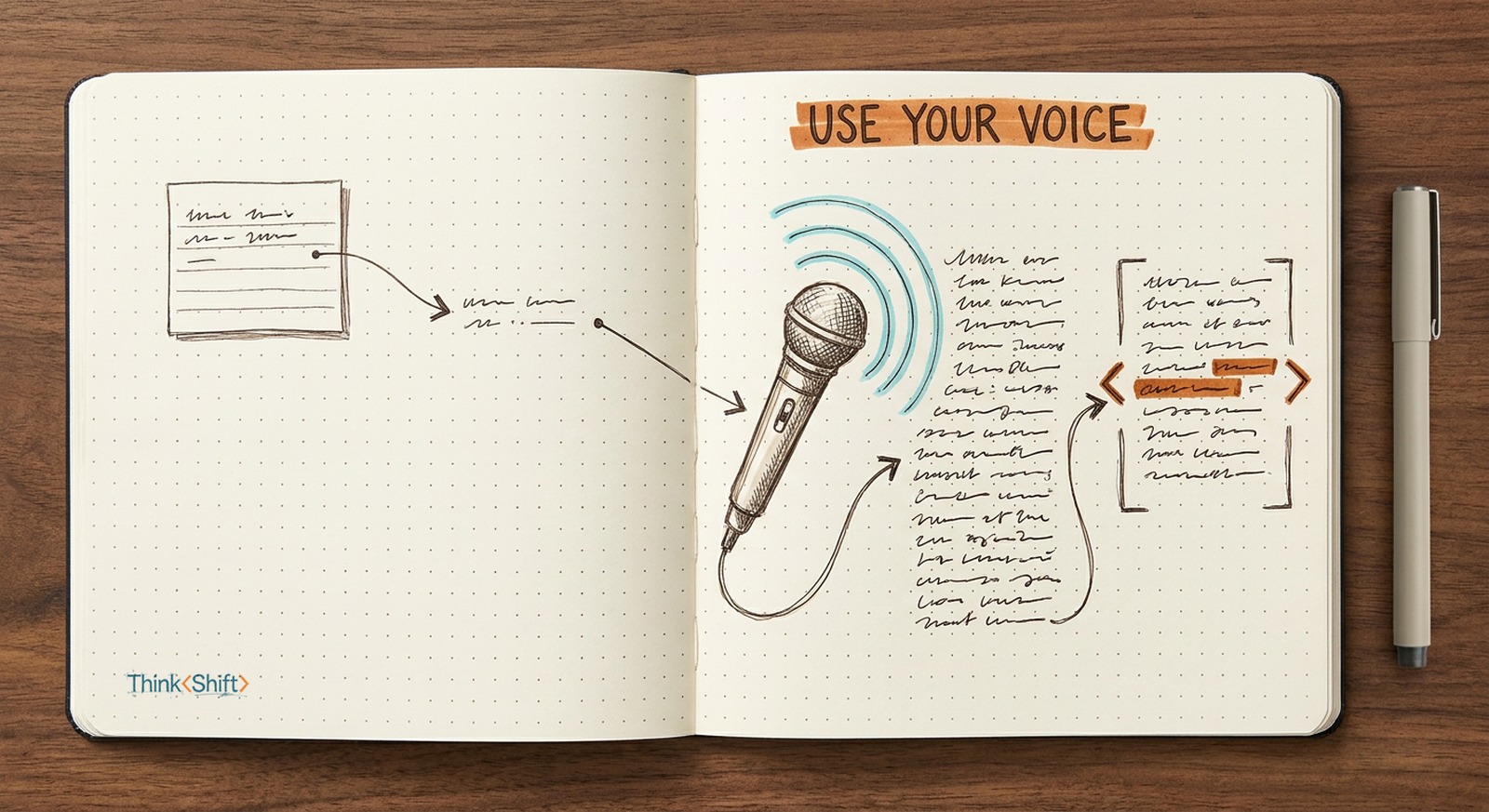
The move Next time you'd type a quick prompt, press the mic and talk for thirty seconds like you're briefing a coworker at your desk. Same model, far more context, far fewer follow-ups.
The short version: Typing is work, so your prompts stay thin and the answers come back generic. Speak the next one and the whole situation spills out on its own, and the same model returns sharper work. Deciding what context to hand over stays yours.
In June, OpenAI shipped a sharper dictation model into ChatGPT. It catches accents, noisy rooms, and rattled-off numbers the old one used to mangle. Easy to file under "cleaner voice notes" and move on.
Don't.
The typing tax
Most prompts stay thin for one dumb reason: typing is work. You fire off one line and the AI answers the thin question you asked. Talk instead and the whole situation spills out on its own: the deadline, the audience, the two approaches you already tried, the objection your boss will raise. Same model, far more to work with. That's the typing tax: thin input in, generic work out.
There's more to it than effort, too. When you type, you edit as you go, trimming to the ask and skipping the setup that feels obvious. When you talk, you narrate. The backstory rides along, and AI sorts through the mess better than you'd expect.
The move
The move: next time you'd type a quick prompt, press the mic and talk for thirty seconds like you're briefing a coworker who just walked up to your desk. Not in ChatGPT? A system-wide dictation tool like Wispr Flow or superwhisper (both macOS) types your voice into any box on screen. Watch how many fewer follow-ups you need.
Skip this week: the buzz around live voice conversations with AI. A real-time back-and-forth is a different sport. The win is upstream: give it the full story up front and the follow-ups don't happen.
Speak the next one. Deciding what belongs in the story is still yours.