
Workarounds
Hand AI the mess: one prompt for merging everyone's inputs
The hour you spend stitching everyone's inputs together is the hour AI was built for.
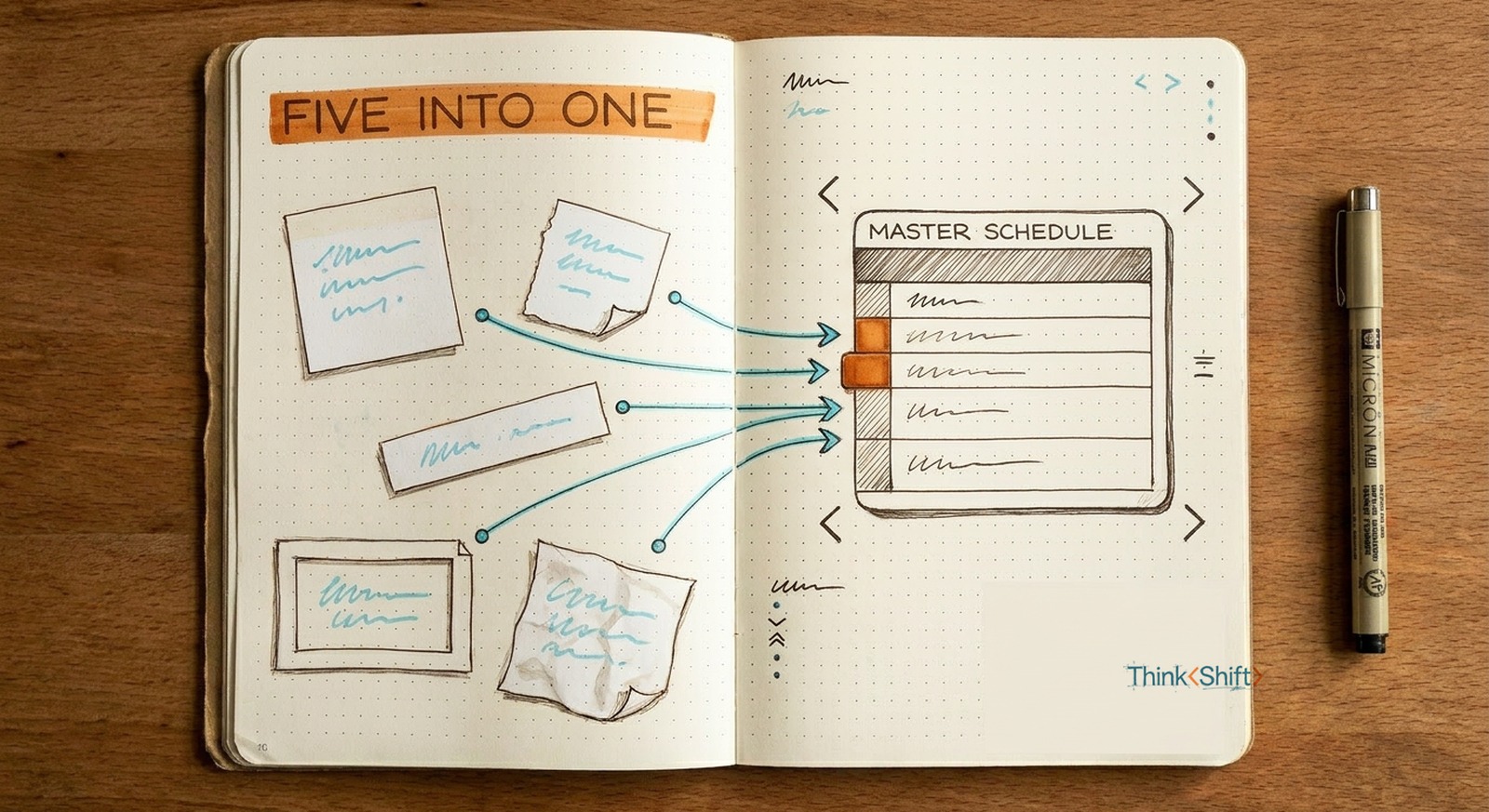
The move Paste the raw replies unedited and hand AI a merge prompt that flags anything vague or clashing. Don't tidy them first.
The short version: The slow part of merging everyone's inputs isn't the merging, it's translating five formats into one by hand. That normalizing is exactly what AI absorbs, so hand over the mess unedited with a prompt that sets the output shape and flags anything vague or clashing. The conflict-check stays yours.
The recurring task
Every month you rebuild the team's shared calendar, which means pinging five people for their key dates. Back come five different replies: one types a paragraph, one sends a screenshot, one writes "week of the 12th, maybe the 19th." Then you spend an hour turning that into one clean calendar everyone can actually read.
That hour goes to translating, not merging. Five people sent five formats and you made them match by hand. Making inconsistent things line up is exactly the kind of grunt work AI is good at. It doesn't need a tidy pile. It needs the raw one.
The prompt
You turn messy, inconsistent replies into one clean master schedule.

Output: one table, sorted earliest to latest, columns for Date, Owner,
and Event. Use one consistent date format like "May 4." One row per event.

Rules:
- Don't guess. If a date is vague ("mid-May," "week of the 12th"), leave it
  as written and flag it. Never invent one.
- If the same event shows up in two replies, merge it into one row and keep
  both names. Don't list it twice.
- If two different events land on the same date, keep both rows and flag the clash.
- Keep every owner's name on their row so I know who to chase.

Here are the raw replies, exactly as people sent them. Paste unedited:
[paste all five here]

Give me the table first, then a short "Needs a look" list of anything
vague or clashing so I can follow up.
Filled in, it looks like this
Paste the pile. The result is the table you'd have built by hand, plus the conflict you might have missed:
Date        Owner        Event
May 4       Dana, Ravi   Regional review   (both sent this one)
May 11      Priya        Client onsite
"mid-May"   Sam          Vendor demo       (flagged, not dated)

Needs a look:
- Sam's "mid-May" isn't a date. Pick one.
- May 11: Priya's onsite clashes with Alex out of office. Two claims, one day.
AI may merge two colliding dates into one tidy list and not mention they collide, unless you tell it to flag conflicts. So you tell it to. The conflicts it surfaces are yours to resolve. You still eyeball the ones it didn't.
Make it repeatable
Do this twice and you'll want it to stick. Save the prompt as a reusable setup in whatever AI tool you already use, so the output format is waiting for you next month. The real next step is up one rung: connect AI to where the dates already live, your calendar or shared inbox, so it reads them instead of waiting for you to paste. That's the jump from merging faster to not collecting at all.
Don't clean up the mess first. The mess is the job you're handing off.