
Work IQ
Tell your coworker what still needs checking
Send your AI-assisted draft with four short lines and one question. Your reviewer sees what you checked, what's still open and who decides.
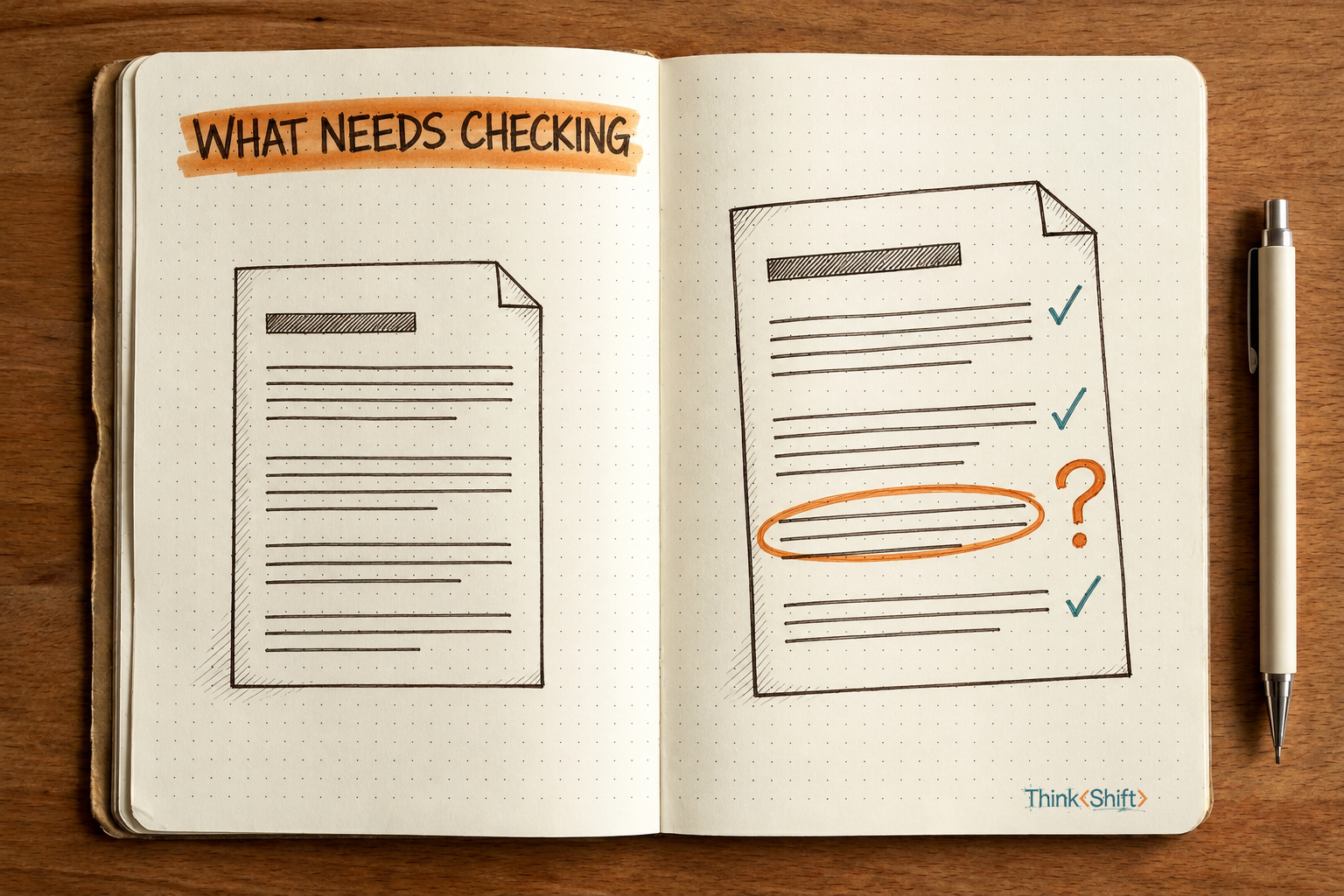
The move Before you send an AI-assisted draft for review, write down five facts: what AI did, what you checked, what's still open, who you're asking and why, and who decides. Send them as a short note that ends with one question for your reviewer. The prompt below has Claude put them in a fixed shape.
The short version: A polished draft can look equally checked everywhere, so your reviewer can't see which numbers you checked and which nobody has confirmed. Send a short note with it that separates AI's work from your own checks, names who decides and asks your reviewer the one question only they can answer.
You've drafted a one-page recommendation to move your support team to a cheaper ticketing tool. AI turned your notes into clean prose and worked out the savings. Before it reaches your manager, Luis, you want Dana to read it. She ran the team's last system migration.
The usual message is "Can you take a look before I send this to Luis?"
Dana opens a draft that reads equally finished top to bottom. It even says "All costs in this document have been reviewed," though you checked only the new tool's price and the seat count. It gives the vendor's two-day migration estimate without saying nobody here has confirmed it. That's the one number she's best placed to judge.
Send a short note with the draft instead. Here's one Claude wrote from the prompt below, given a made-up version of that recommendation:
AI helped with: Turning my rough notes into this one-pager, and calculating the annual savings from 13 seats at $89 vs. $49 per seat per month.
I checked myself: The proposed tool's per-seat price on its public pricing page, and our seat count against the current support team list.
Still needs a second look: The annual savings calculation (AI-only, I didn't redo it), and the two-day migration estimate, which came from the vendor's sales rep on a call and hasn't been confirmed by anyone here.
Final call belongs to: Luis, my manager, at the October budget review.
Question for Dana: Based on running our last system migration, does two days sound realistic for moving 18 months of ticket history, or should we plan for longer before committing to a November 3 start?
Rough notes usually show their gaps: a "check this" in the margin, a number circled in pen. When AI turned yours into clean prose, those marks went with them. Now the page doesn't show that you checked the price and nobody has confirmed the estimate.
That leaves Dana two bad options. If she re-checks everything, she spends time on the price you already confirmed. If she skims and says it looks good, the two-day estimate reaches Luis looking reviewed.
Don't ask for a review. Ask the question only they can answer.
Start with five facts
What AI did, what you checked, what's still open, who you're asking and why, and who decides: those five facts do most of the work. In our test, a plain request with the same facts also got a solid review message from Claude, migration question and all.
The prompt below gives the note a fixed shape and tells Claude to list anything only AI did under "Still needs a second look." The plain request's message told Dana AI calculated the savings. The prompt's note also told her you hadn't redone the math.
Write a short review note to send with my draft. Use only the details below, not anything earlier in this chat.

Format: four labeled lines, then one question.
AI helped with:
I checked myself:
Still needs a second look:
Final call belongs to:
Question for [reviewer's name]:

Rules:
- Anything only AI did or checked goes under "AI helped with," never under "I checked myself." If I didn't redo it, also list it under "Still needs a second look."
- Describe my checks in my words. Don't widen them. "Skimmed it" stays "skimmed it."
- If a detail is missing, write "not supplied." Don't fill the gap from the draft.
- Turn what's still open into one specific question my reviewer can answer from their experience.
- Don't call the draft ready, verified or approved.

My draft: [paste]
What AI did: [fill in]
What I checked myself: [fill in]
What's still open: [fill in]
Reviewer, and why I'm asking them: [fill in]
Who makes the final call: [fill in]
Three rules cover messier days: a check that was only a skim, a missing decision owner, the urge to call the draft ready. Our made-up input supplied every detail, so they never fired. Here's that exact input:
My draft:
Recommendation: Move the support team to a lower-cost ticketing tool

Summary: Our current ticketing tool costs $89 per seat per month. The proposed tool covers the features we use every day (shared queues, saved replies, customer satisfaction surveys) at $49 per seat per month. For our 13 support agents, that saves $6,240 a year.

Migration: The vendor estimates two days to move our 18 months of ticket history, with no downtime for customers. All costs in this document have been reviewed.

Risks: Agents will need about an hour of training. Two saved reports will need to be rebuilt in the new tool.

Next step: Approve the switch at the October budget review so the migration can start November 3.

What AI did: Turned my rough notes into this one-pager. Calculated the annual savings from 13 seats at $89 versus $49 per seat per month.
What I checked myself: The proposed tool's per-seat price on its public pricing page. Our seat count against the current support team list.
What's still open: The two-day migration estimate came from the vendor's sales rep on a call. Nobody here has confirmed it.
Reviewer, and why I'm asking them: Dana, our support operations lead. She ran our last system migration.
Who makes the final call: Luis, my manager, at the October budget review.
We ran the prompt twice and the plain request once on Claude Opus 5.5 through Claude's command-line tool, with no chat history and an instruction not to claim actions it hadn't taken. We haven't tested either in the Claude app or other AI tools or models. The note at the top is the prompt's second run, word for word minus a closing tip. Its first run also flagged the "All costs" line and the current $89 price. All three runs suggested fixing that line without being asked, so don't count on it.
Why this helps
Before she opens the draft, Dana knows the migration estimate is the part that needs her.
What stays yours
The prompt's rules aren't a guarantee. Before you send, make sure every word of "I checked myself" describes something you did. Paste internal budget numbers into Claude only if your company allows it. Whether the recommendation goes to Luis is still your call.
Try it this week
Next time you're about to type "Can you take a look?", write down the five facts, run the prompt and send the note with the draft.