
The Shift
Before AI nudges someone, check who already handled it
An accurate search result can support a wrong follow-up. Make the list name what it checked before you contact anyone.
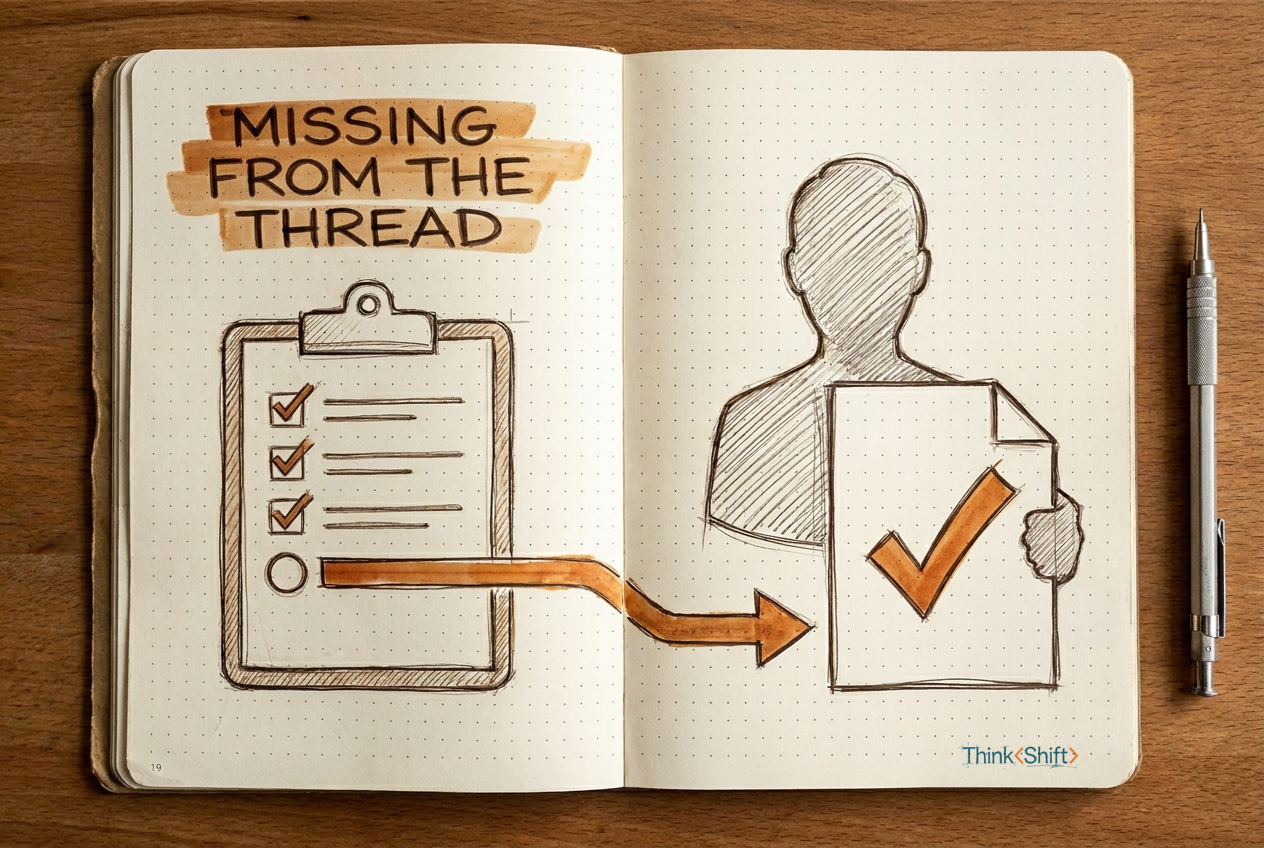
The move Before you send a follow-up based on an AI-built list, check whether the list can see every channel the work might have been completed in. If not, mark the item "status unverified" and verify it yourself before contacting anyone.
The short version: When AI scans your records and finds no evidence that a task was completed, that means the evidence is absent from what you provided. It does not mean the work is unfinished. Add a "status unverified" column to your follow-up list so you know what the search actually covered.
You're building your Monday follow-up list. Three deliverables are due from three different people. You paste the email threads into AI and ask what's still outstanding.
It hands back a clean table. Two items show no evidence of completion. You start drafting the "just checking in" messages.
Here's the part that can go wrong: the search was accurate and the conclusion was not.
Why a true search produces a false list
AI scanned everything you gave it. No reply about the revised floor plan, no update on the permit application. That's a true result from the records you shared. But "I found nothing in your email" and "nobody finished the work" are two different statements. One describes what the search covered. The other describes what happened across every channel, every conversation you were not part of.
Your colleague may have confirmed the floor plan in a Slack thread you don't follow. The permit application may have gone to the city office by phone on Friday afternoon. None of that appears in the emails you pasted.
A true negative from one channel becomes a false conclusion about the task when you treat it as the full picture.
No record found is not the same thing as not done.
Add a third status
The fix is not a better search. It's a third status. Instead of marking each item "open" or "done," the list needs "status unverified," with a note naming what was checked and what wasn't. That column is the difference between a useful follow-up list and one that sends a reminder to someone who finished the work two days ago.
The prompt
I'm going to paste [the email threads / project notes / task records] for [project name]. Build a follow-up table with these columns:

- Task
- Current owner (from the records)
- Latest dated evidence
- Source and channel checked
- Status: confirmed open / reported complete / status unverified
- Next human check

Rules:
- If evidence of completion is absent, mark the status "unverified," not "open." Name the channel or person not covered.
- Do not draft a reminder for any unverified item.
- Use only the records I provide. Do not guess what happened outside them.
- If two records conflict, keep the newer one and flag the discrepancy.
Filled in, it looks like this. You paste three email threads from the Henderson office renovation:
Revised floor plan / Priya / Email 9/30: "sending updated version tomorrow" / Your inbox only / Status unverified: no follow-up email found, but Slack and direct delivery not checked / Confirm with Priya or check shared drive
Paint samples / Jordan / Email 10/1: "approved, going with Option B" / Your inbox / Reported complete / None needed
Permit application / Sam / No mention after 9/25 assignment / Your inbox only / Status unverified: no chat, call, or shared-folder records / Ask Sam directly
Without the "unverified" column, Priya and Sam both get a Monday morning nudge. Priya may have uploaded the file Friday afternoon. That nudge costs you trust you can't buy back with a "sorry, just saw it."
Why this helps
You still build the follow-up list in two minutes. The difference is that the list now tells you what it checked, so you know where the gaps are before you contact anyone.
The catch
AI can label what it found and what it didn't. Whether an unverified item is worth contacting someone about is your call, not the list's.
Try it this week: Next time you build a follow-up list, add a "source checked" column. Count how many items change from "needs a nudge" to "I don't actually know yet."