Workarounds
Give AI a Permanent Job: Set Up Your First Project
You already wrote the brief. A Project just stops you retyping it.
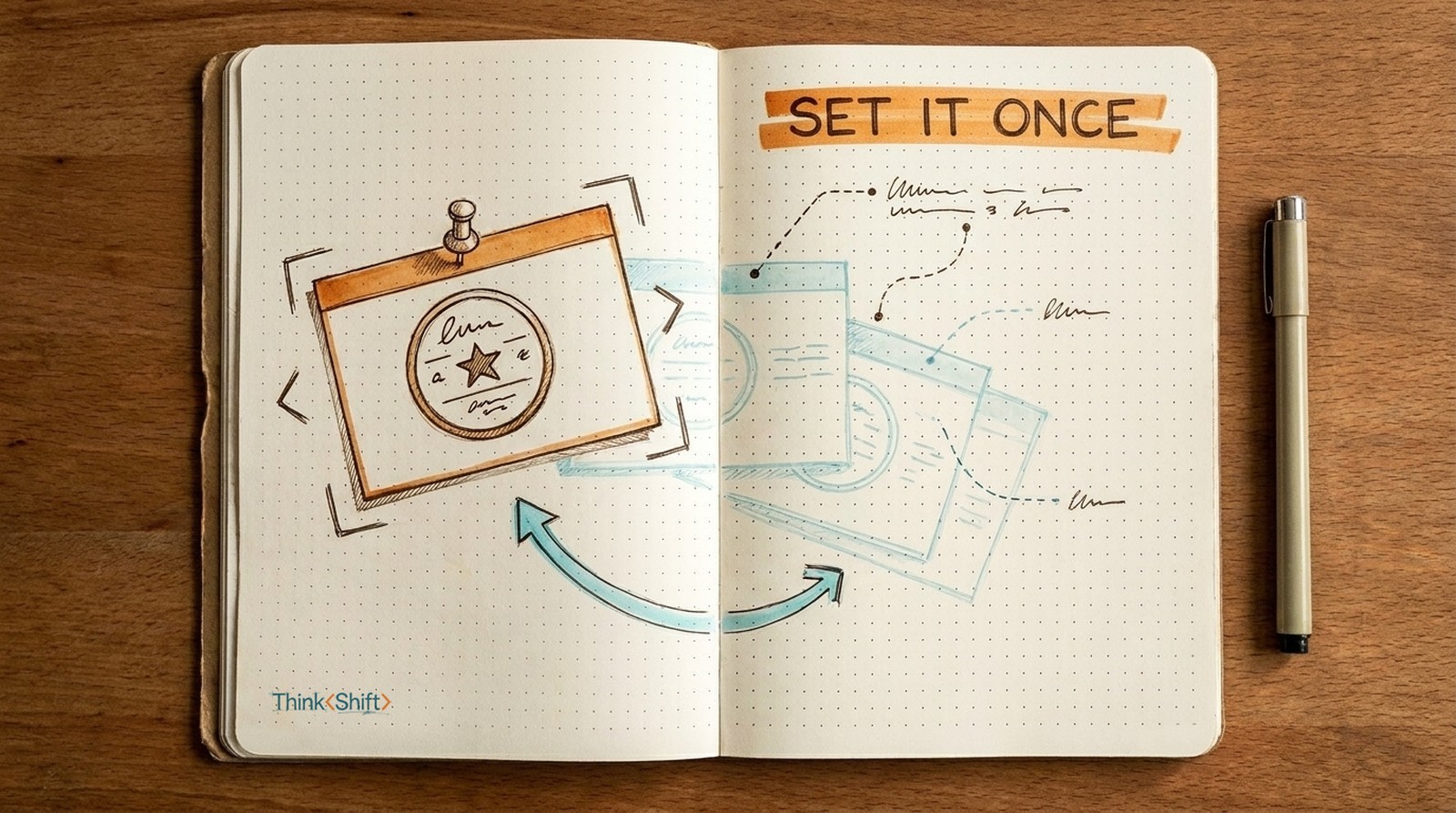
The move Set up a Project (or a Gem in Gemini): a saved workspace where the job lives permanently as instructions and reference files, so every chat opens pre-briefed. No more re-typing the brief.
The short version: You re-brief AI every morning and throw the brief away the moment you close the tab. A Project makes that job permanent: brief it once as instructions and reference files, and every chat opens already briefed. It makes AI consistent, not correct, so the check stays yours.
Every morning you open a fresh AI chat, and it has no idea who you are. So you paste it all again: what your team does, the tone you use, who the client is, the last thing that actually worked. Then you get your draft. Tomorrow, blank slate, and you type the whole brief a second time. And a third.
You've briefed this thing forty times. It has never once remembered.
Make the job permanent
The move that gets real work out of AI is to stop asking it questions and hand it a job: the outcome, the standard, the context only you have, and what stays yours to decide. But you've been doing it the expensive way, giving it that job fresh every time and throwing it away the moment you close the tab.
A Project fixes exactly that. It's a saved workspace where the job lives permanently: the role, the standard, and your real examples, baked in once as instructions and reference files. ChatGPT and Claude call it a Project; Gemini calls it a Gem, so if your work runs on Google Workspace, you already have it. Every chat you start inside it opens already briefed.
You already wrote the brief. A Project just stops you retyping it.
The whole setup, once
- Make a Project (or a Gem, in Gemini) and name it for the job, like "Weekly Client Update."
- In the instructions, paste the job, made permanent:
You help me write my weekly client update. Standard: dry and specific, never hype; lead with the decision, not a recap. Context: [who the client is, what they actually care about, our tone]. Yours to draft, mine to decide: you draft; I judge what to cut and what's true. - Add reference files: your last two or three good updates, a template, your style notes. This is what teaches it your voice. A pasted "sound professional" instruction can't; three real examples can.
Now every Monday you open the Project and paste this week's raw notes. What comes back isn't a generic update. It's in your format and close to your voice, because the job was already sitting there.
The first time costs ten minutes. Every week after, it saves you the ten minutes of re-explaining, and the draft starts from your standard instead of a stranger's blank page.
The catch
One line to keep. A Project makes AI consistent, not correct. It will apply your standard, confidently, to a wrong number. Consistency is the part you just automated. The check is still yours.
The next rung
When retyping the notes each week starts to bug you, that's your signal for the next step: connect the Project to where the notes already live, so AI reads them instead of waiting for your paste. That's a setup for another week. For now, one Project, one job, briefed once.