
Workarounds
The document you dread is now your blueprint
The dense doc that's making the job miserable is the exact thing that makes it fast.
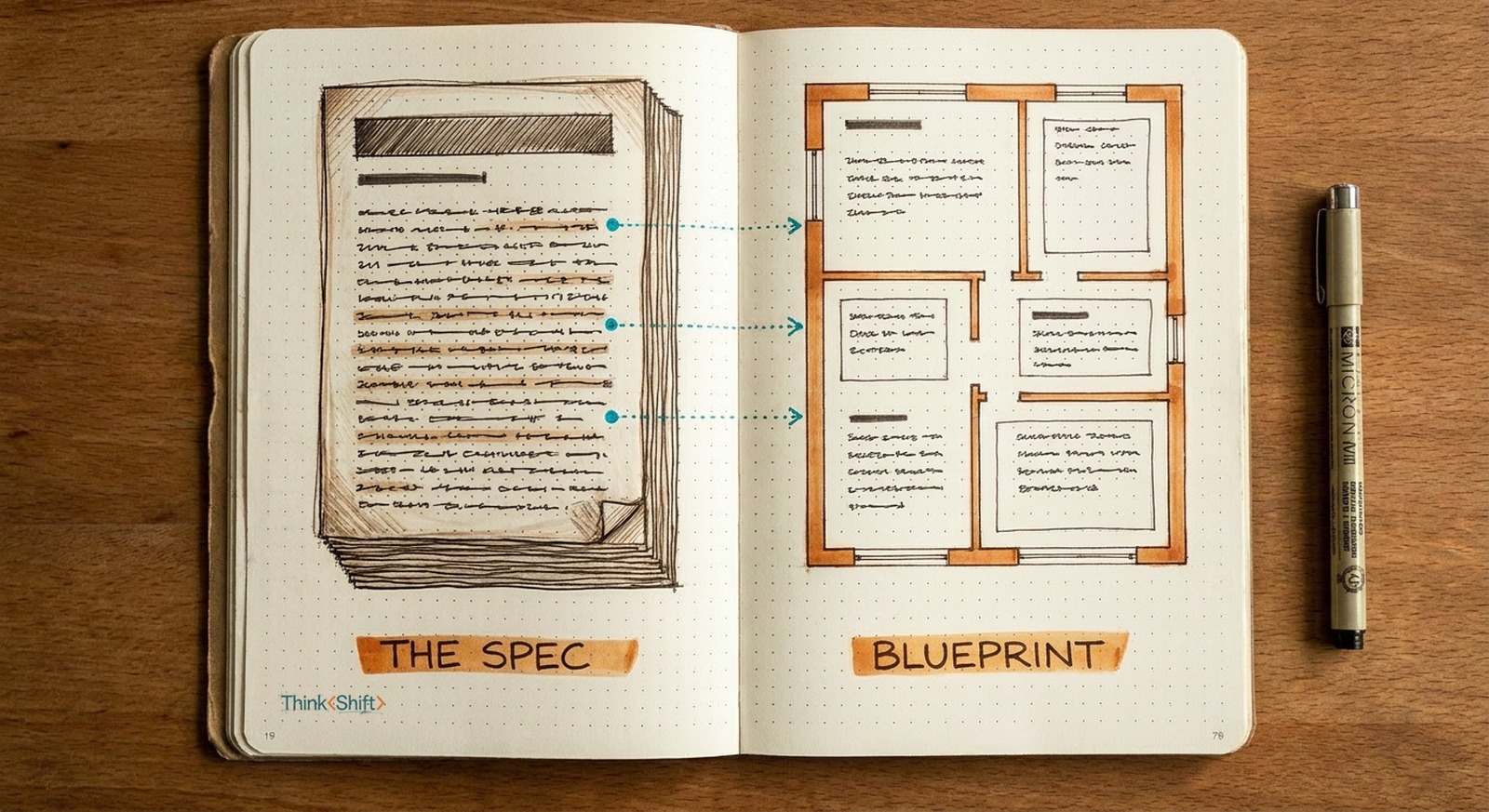
The move Hand AI the whole requirements doc, not a blank page, with a prompt that pulls the requirements, drafts against them, and shows a coverage table.
The short version: A dense requirements doc is a near-complete description of the finished deliverable, so the density that makes it a slog for you is what makes it a perfect spec for AI. Hand over the whole doc instead of rebuilding from it, with a prompt that pulls the requirements, drafts against them, and shows coverage. Checking it built to the right spec stays yours.
The doc that eats your day
A teacher has to turn a stack of state standards into a course syllabus. A consultant must turn a 30-page RFP into a proposal that answers every line. A manager turns a compliance checklist into a policy the team has to follow. Different work, same task underneath: read a dense document full of requirements, then produce something that satisfies every one.
By hand, that's most of a day and barely any of it is writing. You write a section, scroll up to check it covers requirement 3.2, write the next, scroll back. Someone building a syllabus from a state standards packet spent most of a workday on exactly this while a colleague fed the same packet into AI and had a solid draft in minutes. Same document, same job. The whole difference was in what they did with the doc itself.
That impenetrable doc is the spec
By hand, you're not really writing. You're cross-checking: making sure every section you produce satisfies every item in the doc. That's what eats the day.
But that requirements doc is doing more than assigning the work. It's a near-complete description of the finished thing, where every item is something your draft has to contain. So instead of building from a blank page and checking as you go, you hand AI the whole doc and let it build straight off the requirements one at a time. The density that makes it a slog for you is actually helpful structure to AI. The document you dread is now the blueprint.
The prompt
It comes down to how you ask. The obvious version ("here's the doc, write me a syllabus") fails four ways: it silently drops requirements, invents filler where the doc is thin, ignores conflicts, and leaves you no way to check it without re-reading everything. This prompt closes all four.
I'm turning the document below into a first draft of [deliverable, e.g. a course syllabus / RFP response / project plan]. The document is the source of truth. Do all three steps and show your work for each.

1. Pull the requirements. Read the whole document and list every distinct requirement, standard, or must-include as a numbered checklist. Quote the exact line or section each one comes from. If two requirements conflict, one is vague, or something in the document doesn't add up, flag it here instead of guessing.

2. Draft against the list. Write the first draft so it satisfies every numbered item. Match this format: [length / audience / tone / house style]. Where the document doesn't give you enough to cover a requirement, write [NEEDS FROM ME: ...] in the draft. Don't fill the gap with generic content.

3. Show coverage. Give me a table, one row per requirement from step 1: the requirement, where it's handled in the draft, and a status of Covered / Partial / Needs input.

Stay inside the document. Don't add requirements that aren't there, and don't drop any that are.
Filled in, it looks like this
You get the draft and under it is the map that tells you whether to trust it:
Coverage
#  Requirement (source)         In draft        Status
1  Measurable outcomes/unit     Unit headers    Covered
2  Accommodations (§4.2)        Policies        Covered
3  Weekly time estimate (§2.1)  (none)          Needs input
4  Assessment weighting (§3)    Grading         Partial

Flagged: §3's five assessment types sum to 90%, not 100%.
Tell me where the last 10% goes.
The coverage table is the point. It turns "re-read the whole spec" into a 60-second scan, and it surfaces the two things that would have bitten you later: the requirement it couldn't finish, and the one in the doc that doesn't add up.
What stays yours
AI's draft looks just as finished when it quietly skipped requirement 3.2 as when it nailed it. It optimizes for looking done, not for being complete. And the coverage table is its own claim, so you don't take it on faith: you land on the rows it flagged or left partial, then spot-check a couple of the "Covered" ones against the doc. A few minutes, not a few hours. The draft is AI's. Deciding it built to the right spec is the judgment that stays yours.
Make it repeatable
If it's a document you handle on a cycle (every RFP, every syllabus season, every grant), save the prompt as a reusable setup so the format is always there. A single-task custom GPT fits a recurring job like this; a Project fits if the work spans many related chats (which one to build). On the Gemini/Workspace plan a lot of teams have, drop the doc into a Gem and the same three steps run there.
The document you dread is now the blueprint.
So the next time a job lands with a dense doc attached, don't rebuild it by hand. Hand it over, and spend your time checking it built to the right spec.